Compliance findings in Nucleus is to help you identify, analyze, and quickly remediate misconfigurations or issues that are out of compliance with a framework that your organization adheres to. While compliance findings are similar to vulnerabilities in that they have severities and can be scored for risk, they have key differences. Compliance findings are determined to pass/fail by security scanning tools and are typically tied to a compliance framework like NIST, HIPPA, or PCI. Compliance findings are often configuration related and tend to be critical or high severities.
Nucleus supports compliance management from two aspects:
Active Findings are ingested via the usual methods. For example, Nucleus syncs compliance findings from Tanium, Qualys, and Tenable. These findings are all viewable on the Compliance > Active Findings page and can be sorted, filtered, and acted upon in numerous ways.
Active Findings
The Active Findings view will help you manage the current compliance issues identified in compliance scans, assessments, and FlexConnect files as compliance findings are imported into Nucleus.
Navigate to Global Dashboard > Select your project > Compliance > Active Findings.
The top-section of the page shows your current situation at a glance via two color-coded donut graphs that display verification check results as Failed / Passed / Warnings.
.png)
You can quickly access detailed information with just a click or two:
Filter by group, team, severity, compliance framework, and much more to quickly generate a one-time or repeating report.
Click on any finding to see the actionable details view.
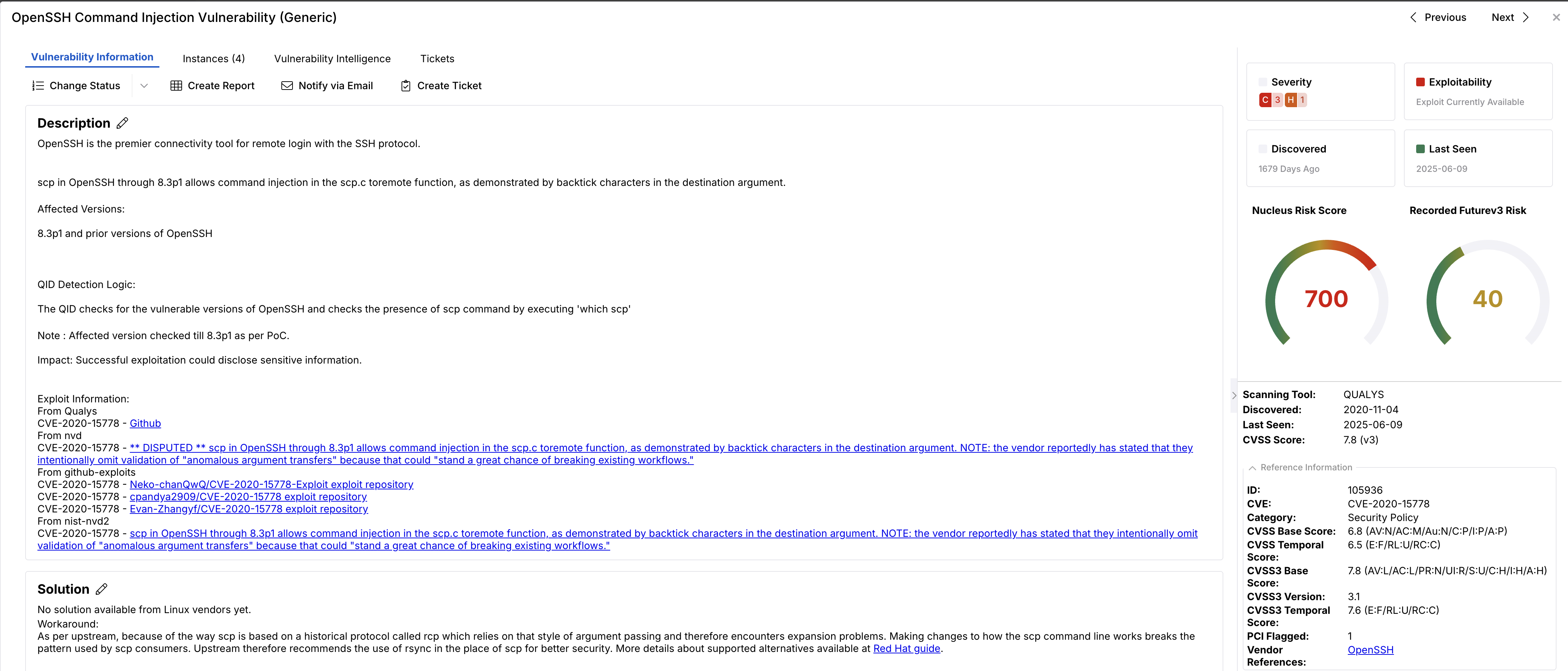
Accessing all this actionable information in one place helps accelerate your compliance workflow.
If you have any questions, please contact us through the support center.