Overview
Nucleus enables you to ingest vulnerabilities in your Nucleus console using file upload from the UI and API.
Export from Alert Logic
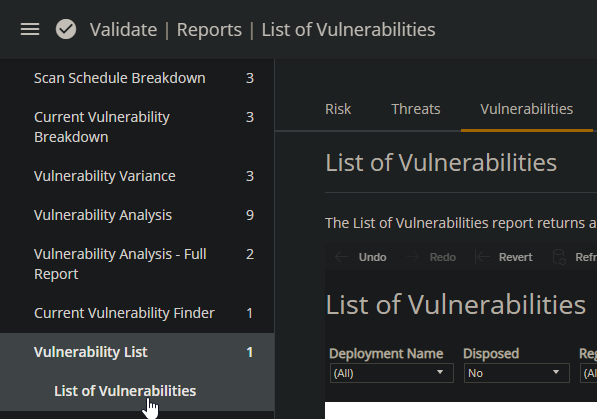
- From your Alert Logic console, navigate to Validate > Reports > Vulnerability List and click List of Vulnerabilities.
- Export the list of vulnerabilitiies.
Import to Nucleus
- From within a project, navigate to Integration Hub > Import via File.
- Drag the CSV report you generated from Alert Logic into the Drop Files Here to Upload area.
You're all done! The scan should start uploading automatically.