When you have a search that you would like to run again at a later date (or continuously monitor), it's best to save the search.
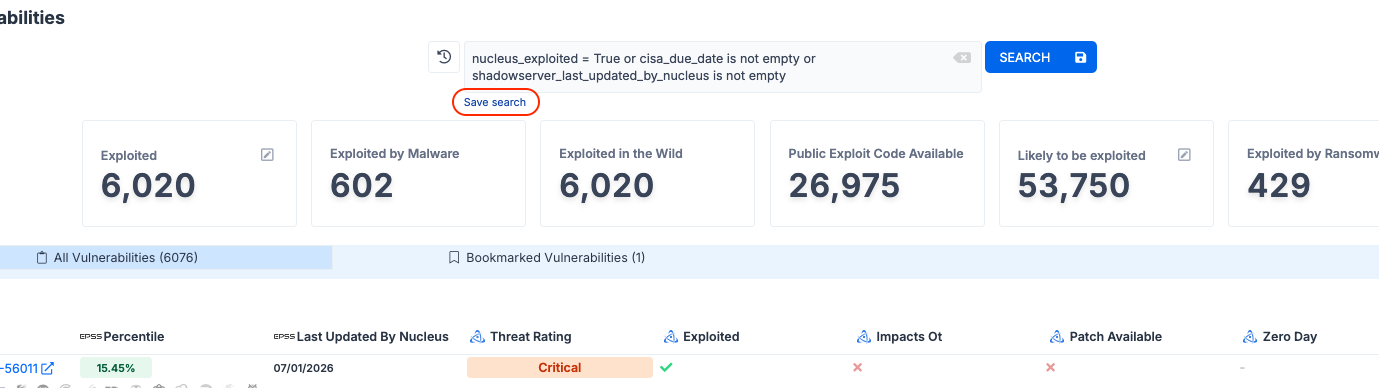
Start by running a search, then clicking the Save Search link below the search bar.
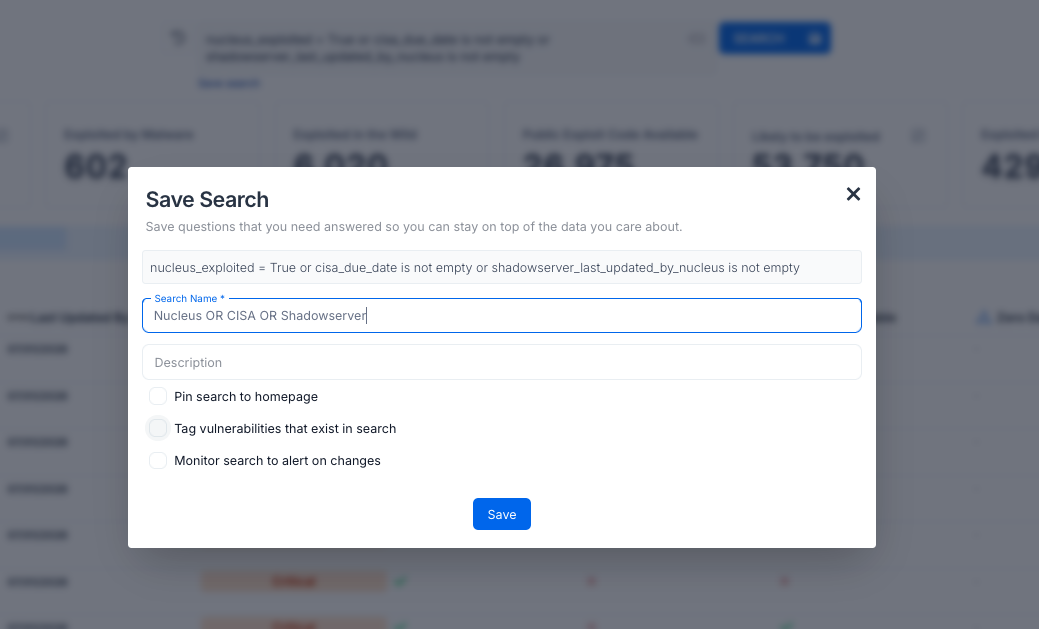
Next, enter a name and description for the search, then click the Save button.
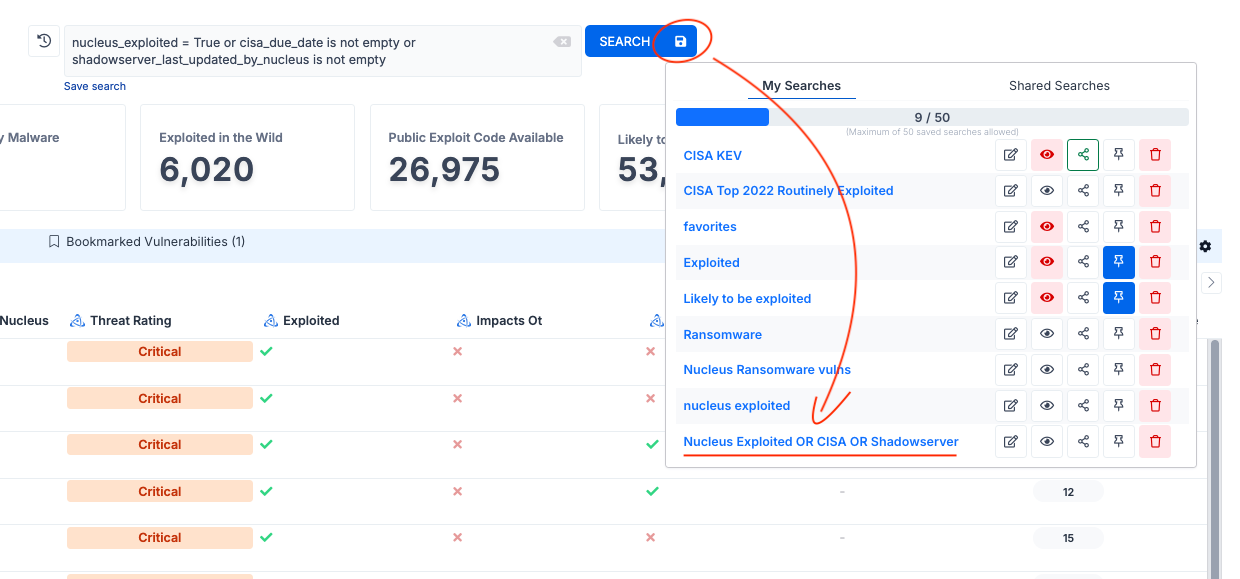
To view your list of searches, click the save icon to the right of the search bar.
To run a saved search, just click on the name!