User Types
Nucleus VIP has two types of users: General Users and Organization Admins.
All users have access to the main functionality within VIP, which includes:
- Researching CVEs across all enabled threat feeds
- Creating, saving and monitoring searches
- Customizing their view of the main dashboard
- Adding notes to vulnerabilities and sharing them with the organization
- View Integrations
Organization admins have a few additional set of permissions within VIP, including the ability to:
- Invite users to your organization
- Deactivate users
- Delete users
- Enable and disable threat feed sources in Integrations
Adding a New User
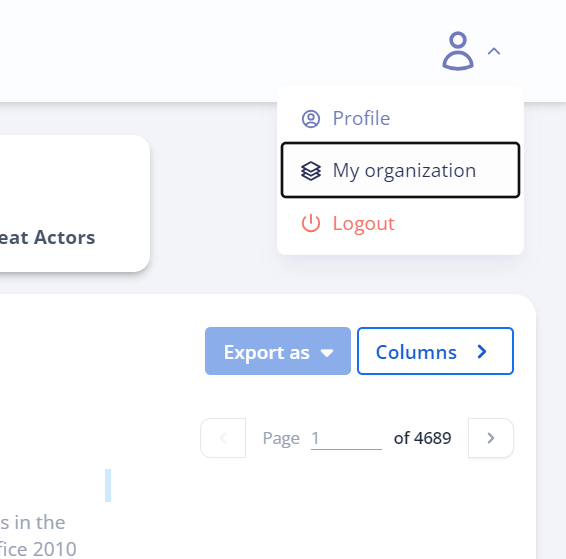
1. Navigate to My Organization in the navbar at the top-right.
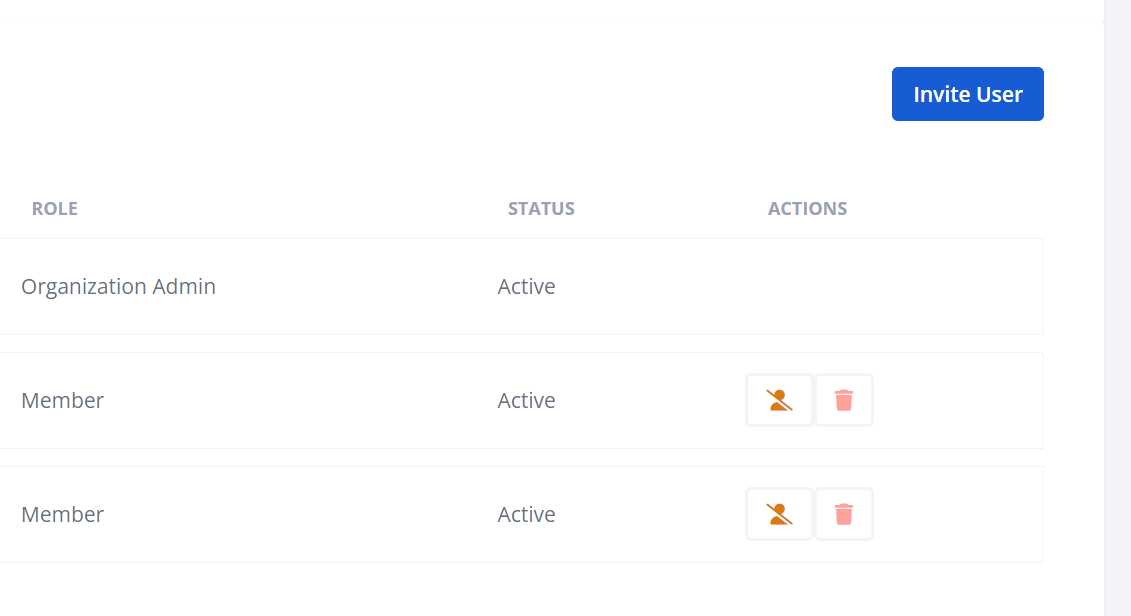
2. Click the Invite User button at the top of your organization.
3. In the popup, enter the user's email address and select their role, then click the "Invite Users" button.
That's it! You just added your teammates to Nucleus VIP! The users you invited should receive emails shortly with password setup details to login to their account for the first time. The users you invite are visible in the organization view with features to disable or delete the accounts.
Deleting a New User
1. Navigate to My Organization in the navbar at the top-right.
2. Click the delete button for the user you wish to remove.
Changing a User Role
1. Navigate to My Organization in the navbar at the top-right.
2. Click the icon next to the role that you wish to change.
3. In the popup, select the new role from the dropdown list and click "Save".