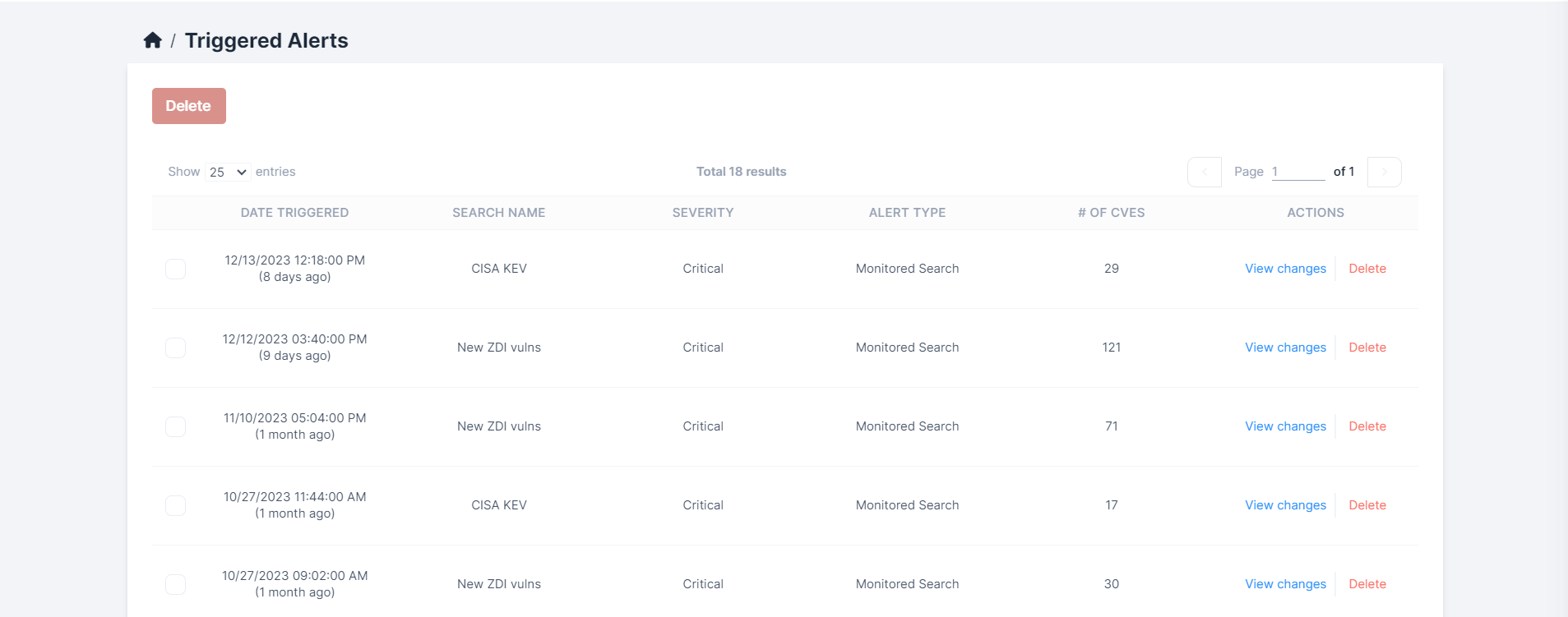
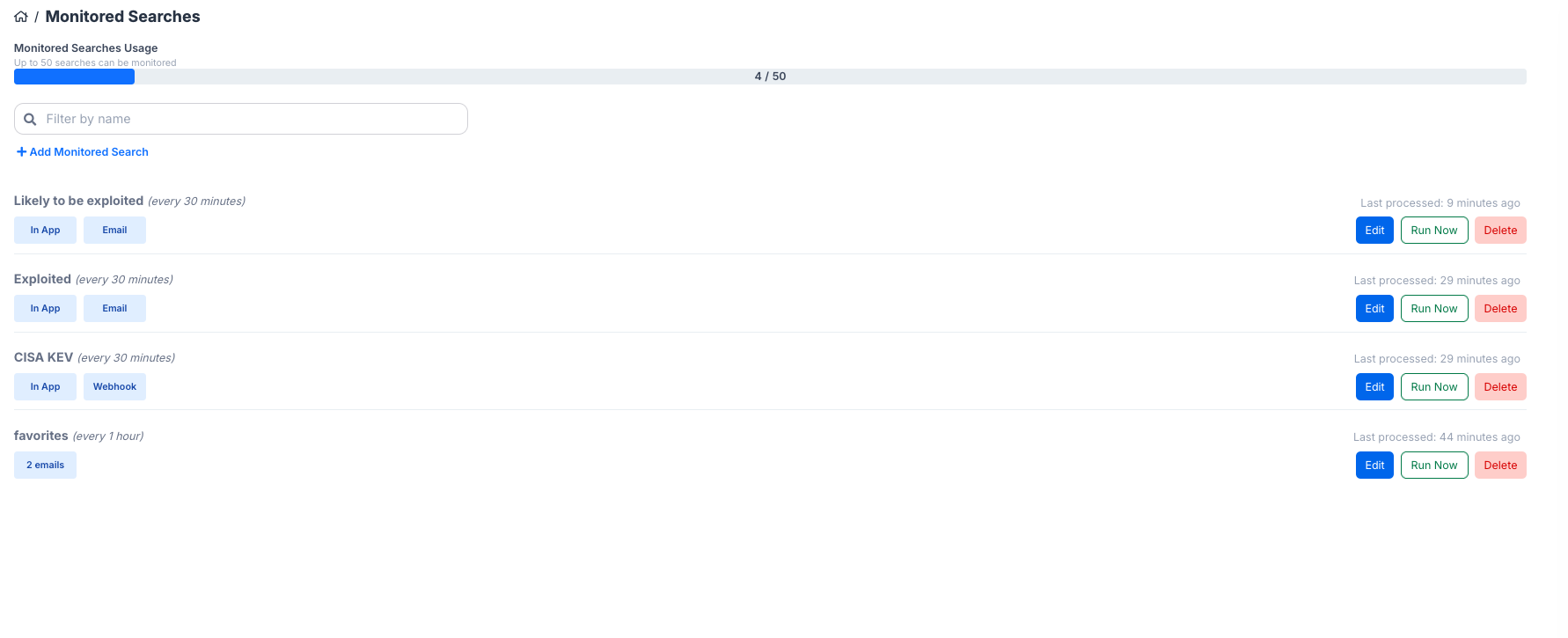
When you set up a monitored search, VIP will monitor for changes in that search according to the frequency chosen in setting up the search. When it identifies changes to the search, you'll be notified in the Alerts page.
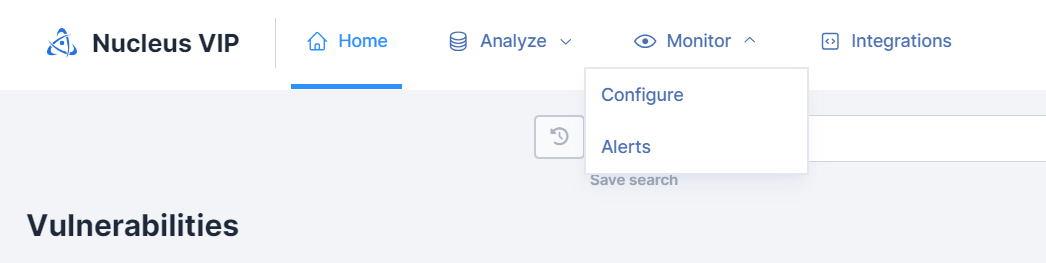
To get there, click Monitor > Alerts.
The Triggered Alerts page allows you to view all recently changed vulnerabilities grouped by your saved searches.
- Click View changes to see the recently changed CVEs which either entered or left the search
- Click Delete to remove the alert from the page