Overview
Nucleus enables you to ingest w3af (Web Application Attack and Audit Framework) scans into your Nucleus console using file upload from the UI and API.
Export from w3af
-
Configure w3af_console to audit/scan in a normal vulnerability scan.
-
Make sure that you have configured w3af to export an xml document using the following command
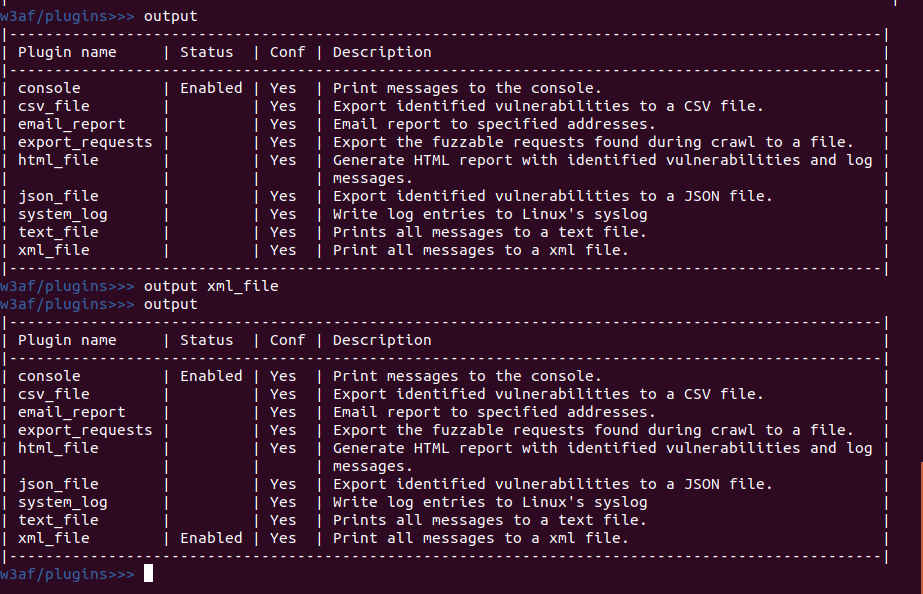
- Run your scan
Import to Nucleus
-
From within a project, navigate to Integration Hub > Import via File.
-
Find your xml file to which w3af saved your findings, and drag it into the Drop Files Here to Upload area.
You're all done! The scan should start uploading automatically.
If you have any questions, please contact us through the support center.