Overview
Nucleus enables you to ingest your Tenable Cloud Security ( CSPM) data directly into your Nucleus console using an automated connector. The connector uses the APIs provided by Tenable to seamlessly sync data into your Nucleus project for use in analysis, triage, automation, and reporting.
The Tenable Cloud Security connector supports importing findings in the following situations:
Vulnerabilities for container images
Connector Setup
Connector Setup Checklist
Follow the steps in this checklist to successfully set up this connector:
API Access
Locate the API key for Tenable Cloud SecurityConnector Configuration
Create and configure the connector in your Nucleus project.Data Ingestion
Create an ingest rule to ingest projects for Tenable Cloud Security.
Tenable Cloud Security API Access
Generate an API Key for a user account with sufficient privlieges
Ensure the user role includes access to Cloud Security Resources ( read for queries)
Save the API key and add to the Nucleus connector configuration.
Connector Configuration
Open Nucleus and go to Integration Hub > Connector Setup
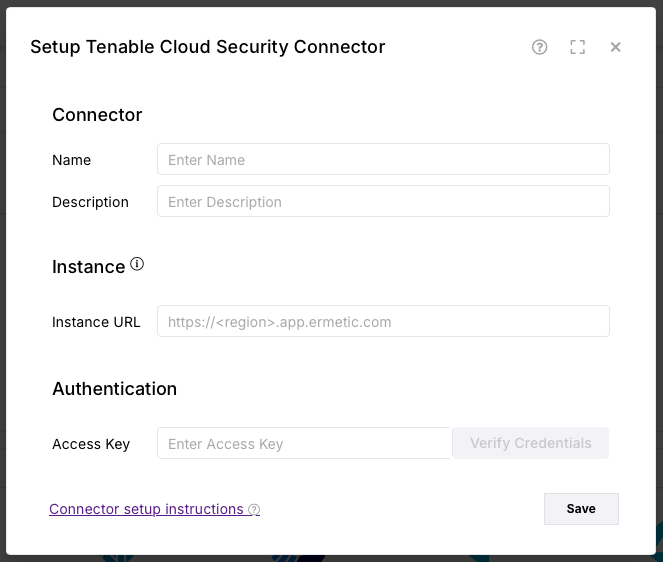
Under the Scanners section, click the Tenable Cloud Security icon. You will see the following popup:
Data Ingestion
Go to Integration Hub > Import via Connector.
Select the Tenable Cloud Security connector you just created.
Select the method of import: All Container Images .