Overview
For relevant automation rule types, Nucleus enables you to set up flexible asset matching filters to use in creating automation rules. The filters use matching conditions designed to ensure your automation rules are applied only to the assets you want to include. You can also leverage any custom asset metadata you create in these filters.
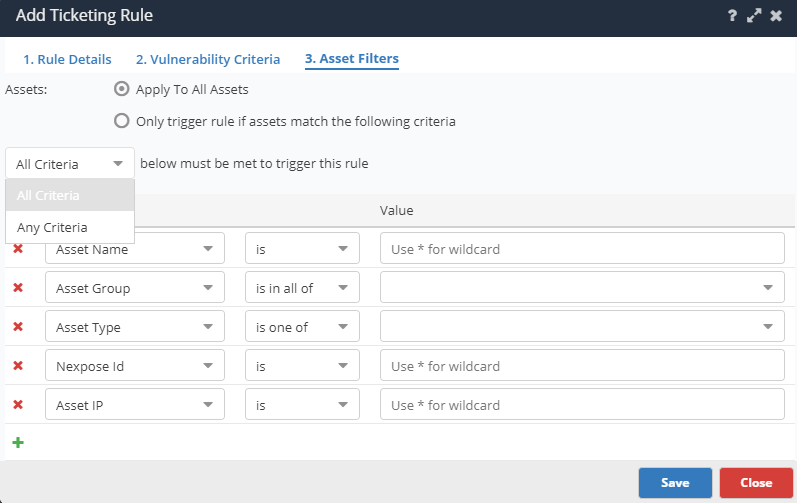
These are descriptions of the matching conditions for ticketing automation rules:
| Condition | Description | Field Type |
|---|---|---|
| All | Create tickets for all assets affected by this unique vulnerability | All |
| Asset Group | Create tickets only for assets that are in (all of/one of) the selected asset groups | Searchable dropdown |
| Asset Name | Create tickets for all assets which match a certain name or naming convention | Textfield with exact matching, wildcard matching, or full regex matching |
| IP | Create tickets for all assets with a certain IP, IP range, or comma separate list of IPs | IP Field |
| Asset Type | Create tickets for all assets of a specific type | Dropdown |
| Custom Fields | Create tickets for all assets which match a custom asset field | Textfield with exact matching, wildcard matching, or full regex matching |
Custom Asset Fields
Nucleus allows you to import custom metadata fields for all assets from either external systems such as ServiceNow CMDB, API, or asset csv upload. You can use these fields in all asset matching and ticketing rules for maximum flexibility.