When a Nucleus project is processing, you can view the progress of background tasks in the Nucleus app by clicking on the background tasks window.
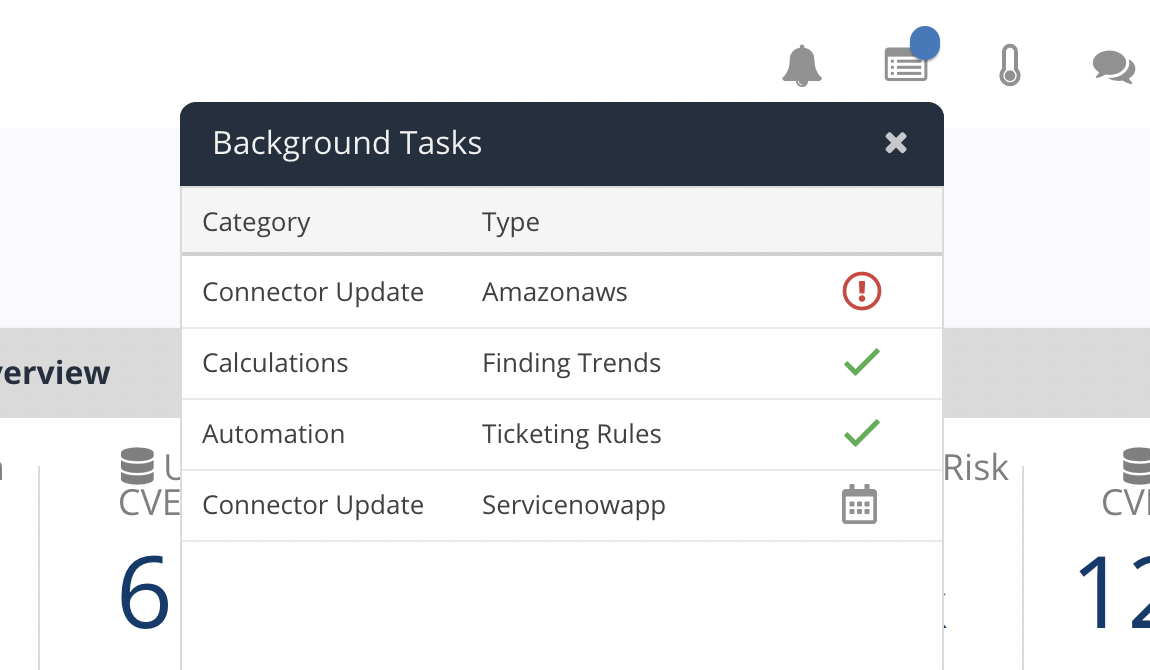
Category types
The background tasks window lists the following categories of tasks:
| Category | Description |
|---|---|
| Asset Sync | Ingesting asset information from scans and connectors. |
| Automation | Processing ticketing, issue tracking, and notification rules. |
| Calculations | Calculating risk scores and updating asset statuses. |
| Connector Update | A user has made a change to a connector and it is now updating. |
| Reports | Scheduled and in-progress reports. |
| Scan Ingest | Ingesting vulnerability and compliance info from scans, connectors, and files. |