Nucleus users with an active Recorded Future subscription are able to enrich their vulnerability information with Recorded Future vulnerability intelligence. To get started:
- From the Global Dashboard page, browse to Global Administration > Organizations
- Click the "Edit" button for your Organization
- Click the "Add API Keys" button
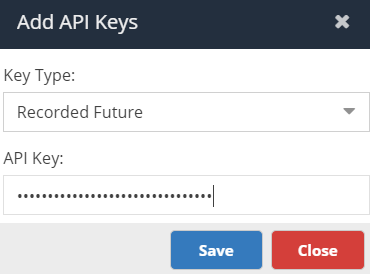
- Select "Recorded Future" from the dropdown, enter your Recorded Future API key, then click "Save".
- Click "OK", then "Save".
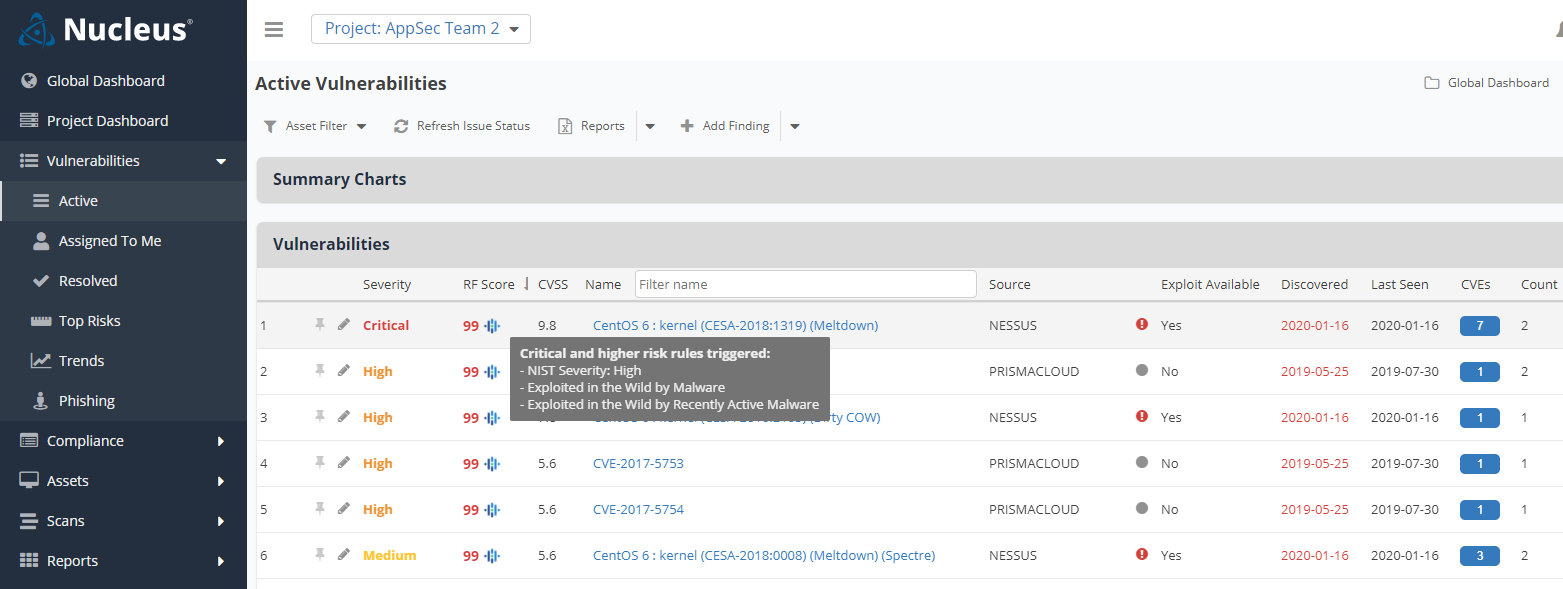
From this point forward, you will see Recorded Future information overlayed into Nucleus. For example, on the Active Vulnerabilities page, the "RF Score" column will list the Recorded Future score for the CVE's associated with each vulnerability in the list. Hovering over the Recorded Future icon next to the score will display the Recorded Future risk rules associated with the vulnerability:
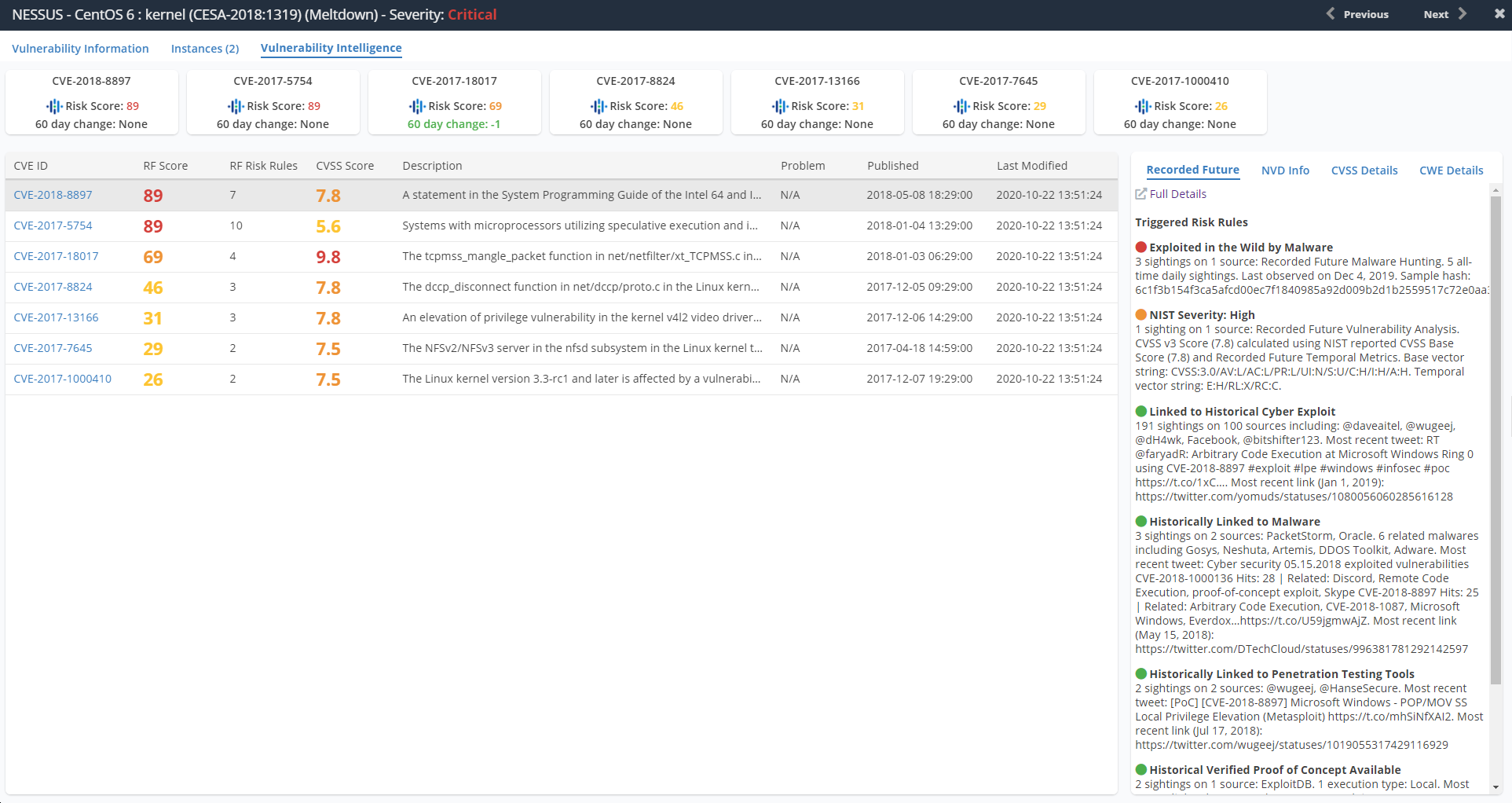
From the Vulnerability Details page, Threat Intelligence tab, you will find the Recorded Future Risk Scores for each CVE, along with the Risk Rule information for each: