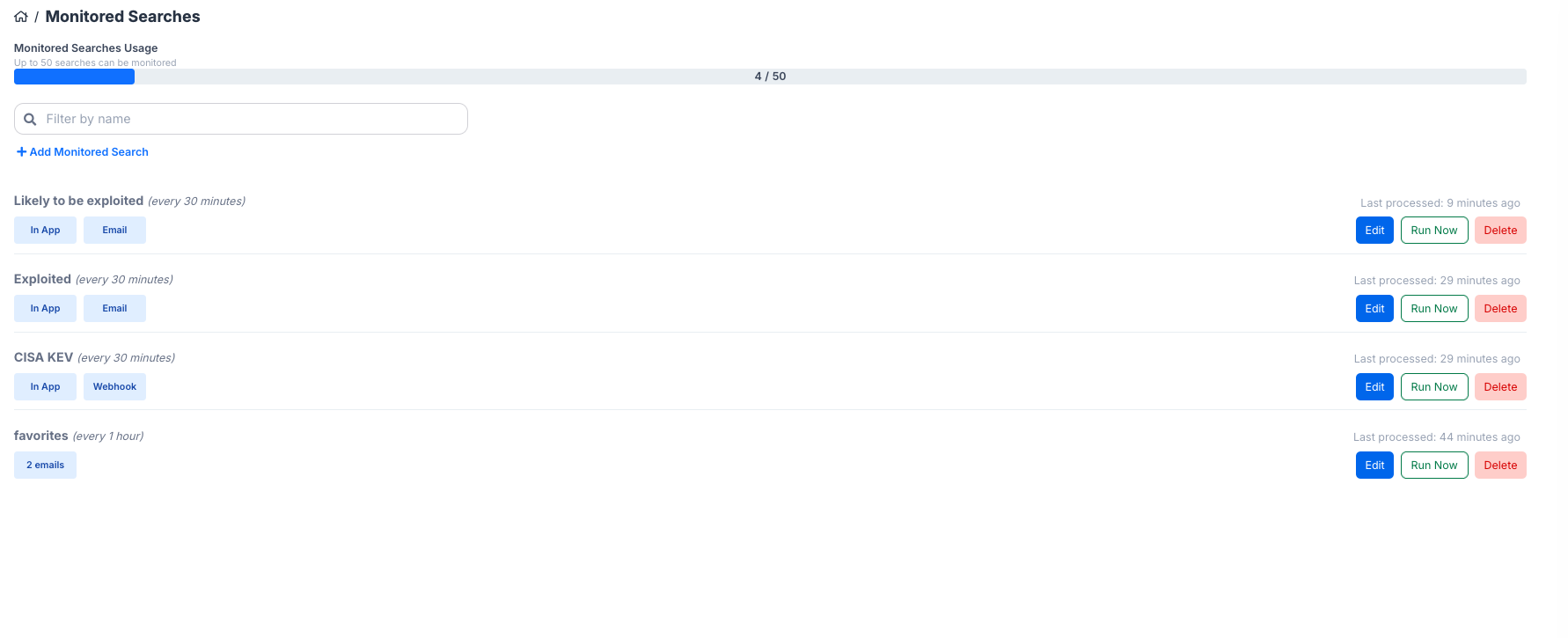
Using a saved search, set alert boundaries on vulnerability intelligence changes with a monitored searched. VIP can notify in-app as well as externally when it detects changes to your search.
There are a couple of ways to start monitoring a saved search, so let's walk through both:
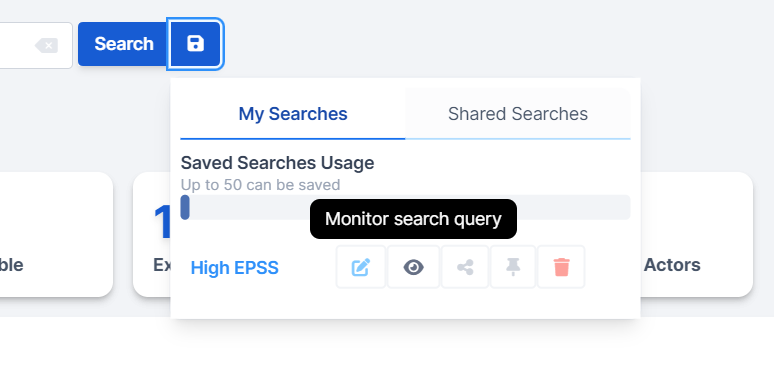
1. From the My Searches icon > click the 'eye' icon in one of your saved searches
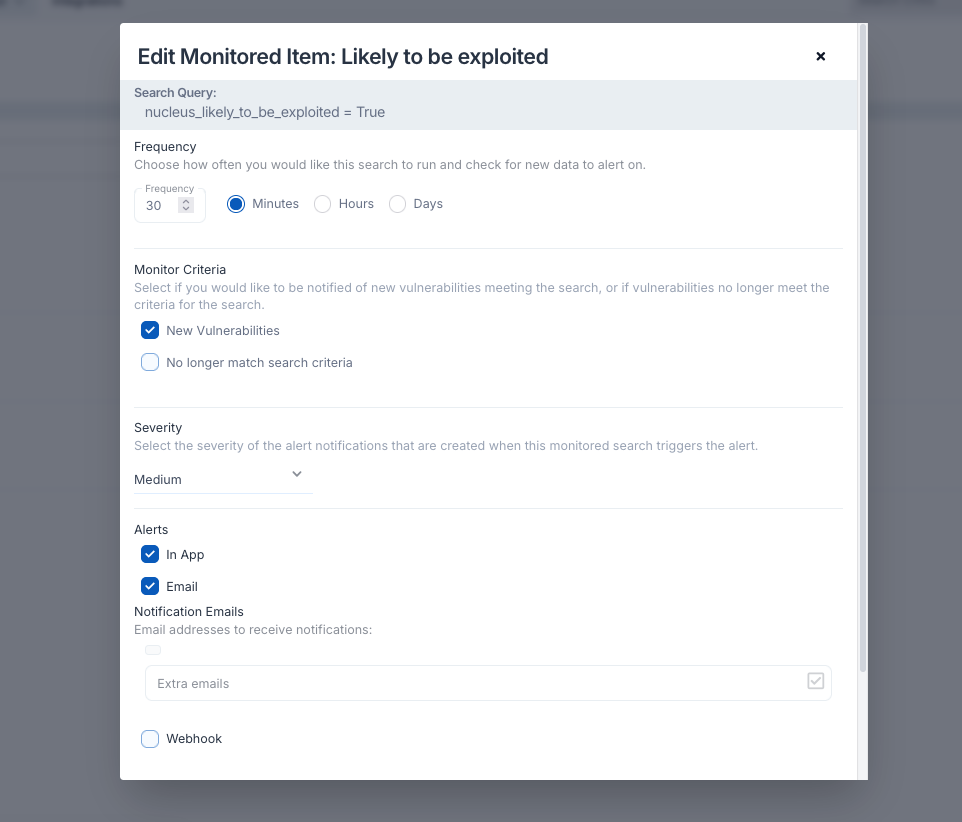
This will pop up the Add Monitored Item modal. Here, you can select from a drop down what saved search you want to start monitoring. You can determine:
- The frequency in which the alert checks for changes in the search
- If you want to be alerted when vulnerabilities are removed from your search, not just when they enter the search
- The severity of alerts that will generate from the monitored search
- How you want to be alerted
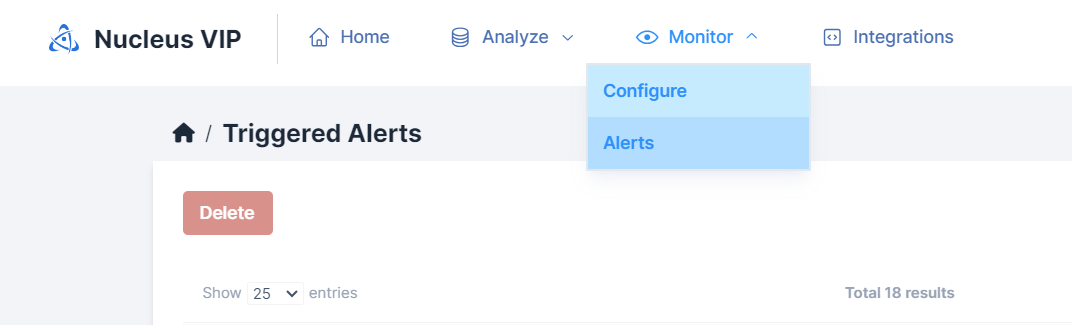
2. Head to Monitor > Configure from the VIP navbar.
The Monitored Searches page allows you to view and edit your monitored searches, as well as add a new monitored search. Clicking the "+ Add Monitored Search" displays the same Add Monitored Item modal described above.