You’re in. Nucleus is ready to help you centralize, enrich, and act on your vulnerability data. Let’s get started.
Log in to your console
Click the link in your welcome email to access the system
Set up MFA if desired
First action: Connect a scanner or asset management system.
Use our prebuilt Connectors or file-based FlexConnect to ingest scan data from over 150 tools, such as:
This powers deduplication, threat enrichment, and automation.
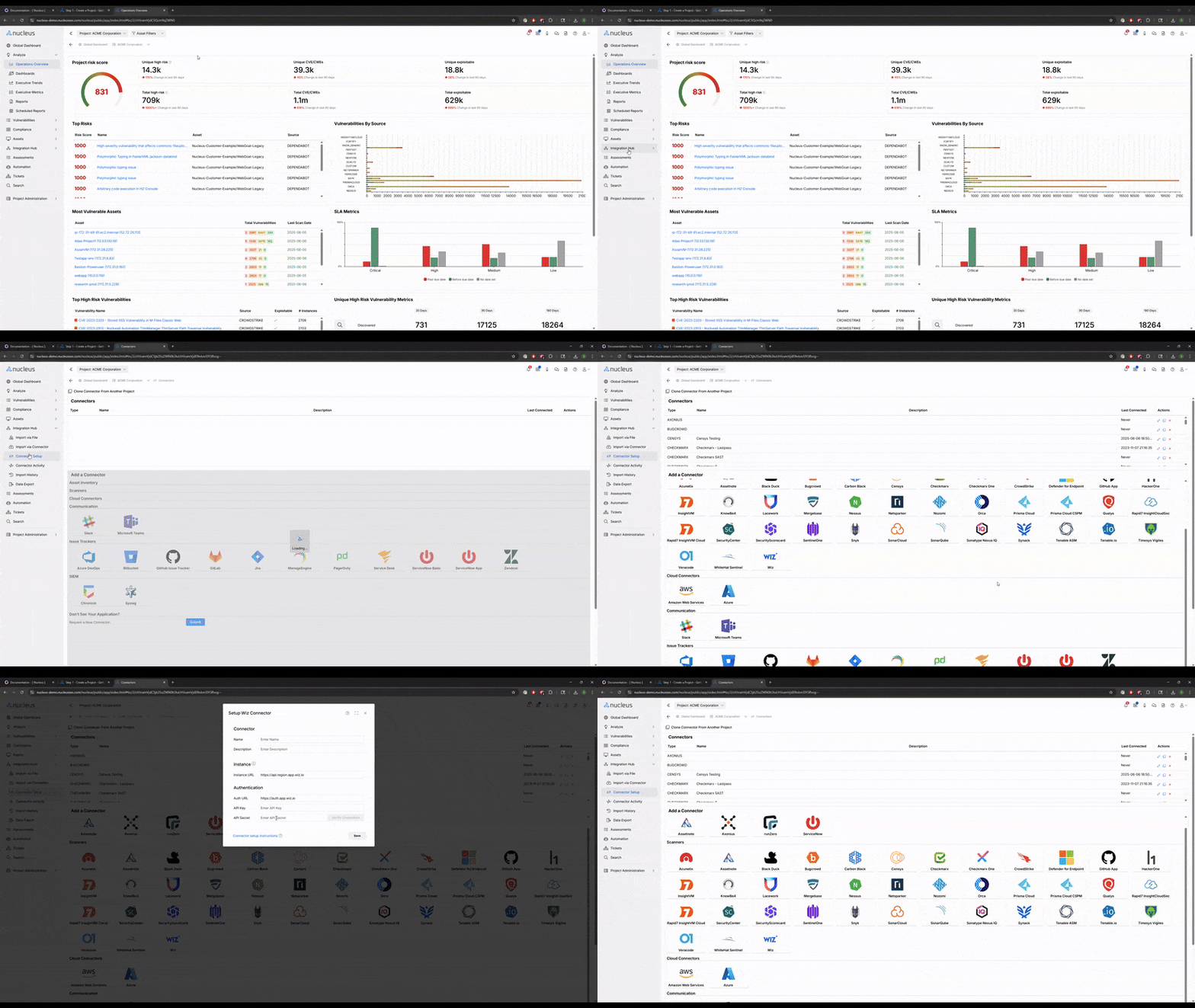

Asset Management: What You will See After Connecting
Every integration to Nucleus is an asset connector as well as a vulnerability connector. Once your scans are ingested, Nucleus will automatically:
Deduplicate and normalize your assets across tools
Enrich asset records with all of the relevant metadata from upstream scanning tools
Groups systems by business unit, IP range, or tags (using the Nucleus automation framework)
Link vulnerabilities and deduplicate across duplicate assets from separate upstream systems
Highlights gaps—like unmanaged assets or scan coverage blind spots
.png)
This gives you the context to prioritize by ownership, exposure, and criticality, not just CVSS.
You’ll see this as Step 1 in your in-app checklist (Project Admin > Configuration Guide) once you log in. All you need is API access. No engineering help required.
Next Step
Go to step 2 to start exploring findings and dashboards
Need a hand? Let us know. We're happy to assist.
— The Nucleus Team ([email protected])